Gemini Spark in Chrome: Automating the mundane tasks that slow you down
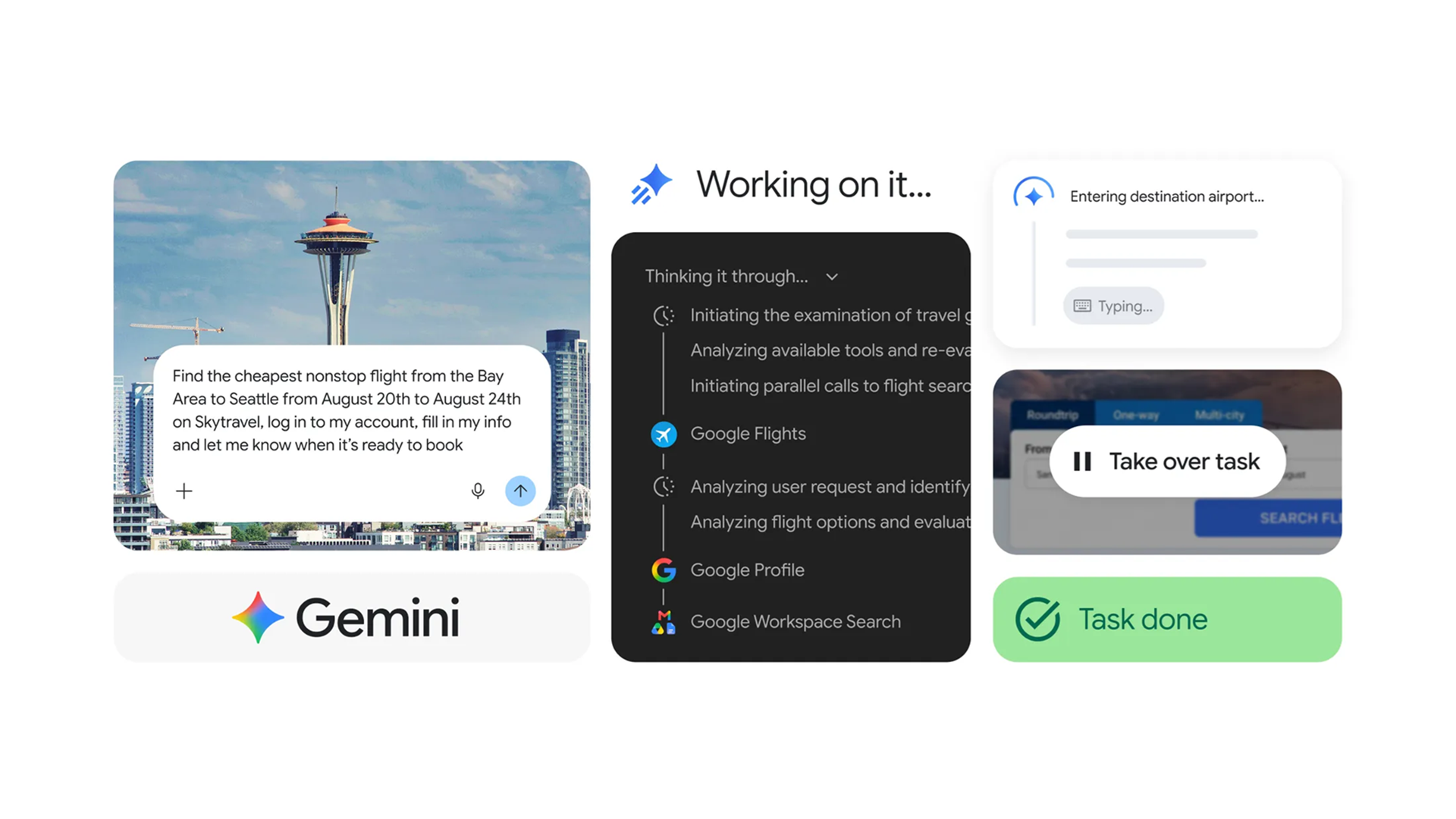
The Chrome browser has become a hub for countless online activities, from research and communication to shopping and entertainment. Users often encounter repetitive, time-consuming tasks that pull attention away from more valuable work. A new development in the browser ecosystem promises to lift this burden by handling those chores automatically. Gemini Spark, originally a standalone tool for background processing, has been integrated directly into Chrome. This addition allows the browser to manage longer-running operations without requiring manual intervention, letting users stay focused on the tasks that truly matter.
What is Gemini Spark?
Gemini Spark is a lightweight engine designed to take on tasks that can run unattended. It excels at operations such as data aggregation, file conversion, and repetitive form filling. By offloading these activities to a separate process, the main browser thread remains responsive, which translates into smoother scrolling and faster page loads. The integration with Chrome means that users can trigger Spark from the address bar, a context menu, or through predefined shortcuts, and the system will continue working even when the tab is inactive.
How it works inside Chrome
When a user initiates a Spark task, Chrome spawns a background process that operates independently of the active tab. The process communicates with the browser via a secure API, exchanging instructions and results without exposing sensitive data. Because the workload runs in isolation, system resources are allocated efficiently, and the risk of a stuck script freezing the entire browser is minimized. The architecture also supports multiple concurrent tasks, allowing users to queue several operations and let Spark handle them in sequence.
Core capabilities that simplify online work
- Automated data extraction: pulls information from tables, lists, and dynamic pages and stores it in a structured format.
- Batch file conversion: transforms multiple documents or images to a chosen format without manual clicks.
- Form filling and submission: populates repetitive fields with saved values and can submit forms on schedule.
- Content summarization: condenses long articles or reports into concise overviews for quick review.
- Periodic monitoring: checks specified sites or feeds at set intervals and notifies the user of changes.
Practical benefits for everyday browsing
Users who spend a significant portion of their day in the browser will notice a reduction in context switching. Instead of opening multiple tabs to handle repetitive actions, they can start a Spark task and let the system finish while they move on to other work. This approach also lowers the cognitive load associated with remembering where a process left off, because Spark maintains its own state and can resume interrupted jobs. The result is a smoother workflow and more time available for creative or strategic activities.
Typical scenarios where Spark shines
- Research compilation: gathers sources, extracts key points, and assembles a summary document automatically.
- Invoice processing: downloads PDF invoices, extracts line items, and organizes them into a spreadsheet.
- Social media scheduling: prepares posts in bulk, fills in hashtags, and schedules them across platforms.
- Email triage: filters incoming messages, flags important threads, and archives low-priority items.
- Content creation: converts raw notes into formatted blog drafts ready for editing.
Limitations and considerations
While Spark offers powerful automation, it is not a universal solution. Tasks that require real-time user interaction, such as signing cryptographic agreements, remain outside its scope. The background process respects privacy settings, so any data extraction is limited to publicly accessible content unless the user explicitly provides access. Additionally, heavy workloads may consume noticeable CPU cycles, which could affect battery life on portable devices. Users should monitor resource usage and adjust task scheduling accordingly.
Takeaway
Gemini Spark’s integration into Chrome provides a convenient way to delegate repetitive online chores to a background engine. By automating data handling, file conversion, and form filling, it frees users to focus on higher-value work while keeping the browser responsive. The feature is most effective for batch operations and scheduled monitoring, offering measurable productivity gains for anyone who spends considerable time on the web.